


Adjust sharpness and colors to indicate depth
Animation Tips and Tricks



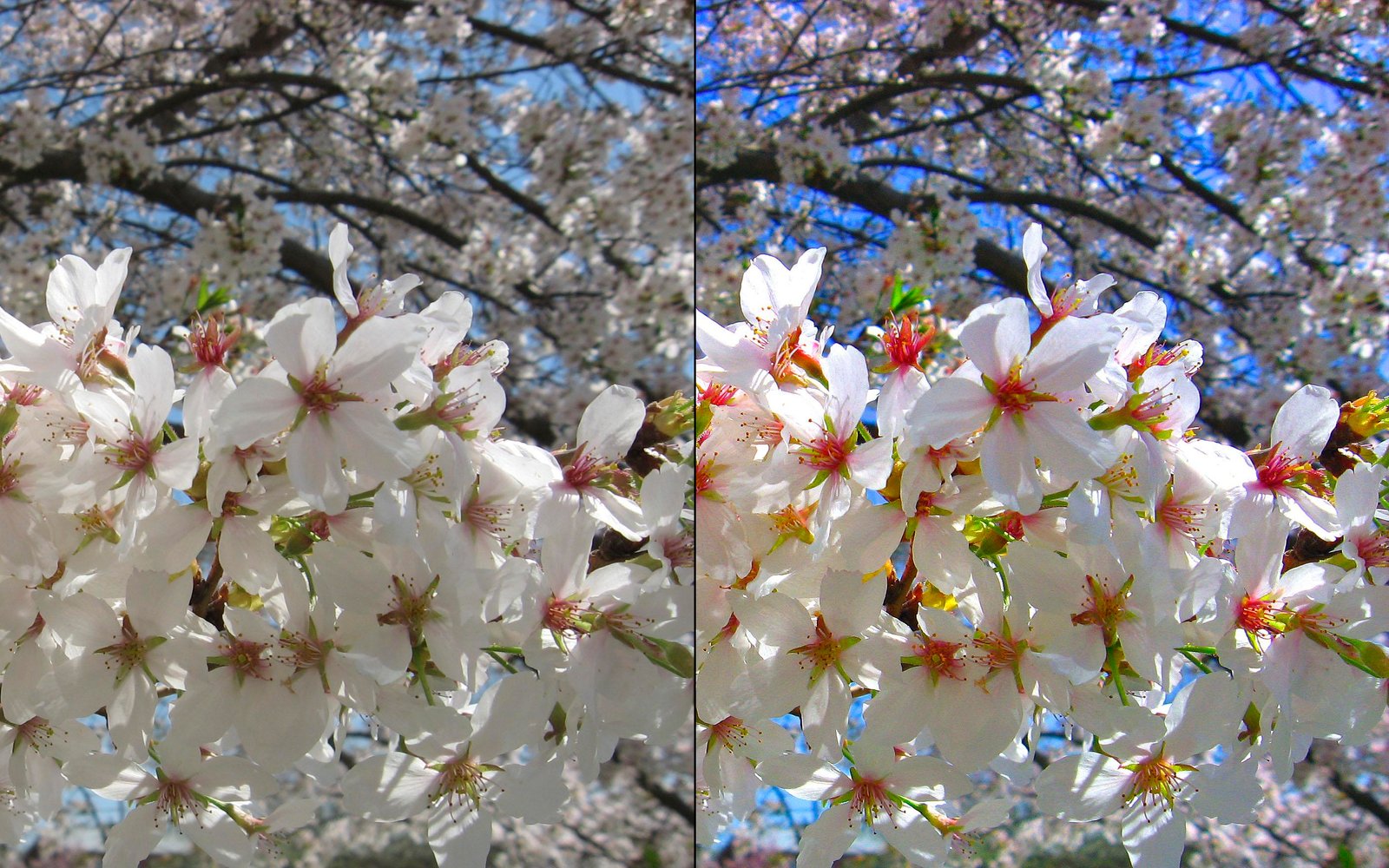
Adjust sharpness and colors to indicate depth
By mimicking the shallow depth of field of a film camera, one can instantly give their animations the illusion of depth. By blurring the background objects and setting, you reinforce the believability of your character to the eye. Colors can also be used to indicate depth -- by using strong, saturated colors in the foreground subjects and muted, unsaturated colors in the background, sequences and character within seem more realistic to the eye.

 Photoshop
 Loosen up when animating contact
 Creating your character in 2D
 2D Animation
 Mess up your physical work
 Cinema 4D
 Animation for Beginners
 A mirror is a dangerous thing
 Learn a little about mocap
 Work In Progress
 The good news is
 Blender
 More ...
 Test your English Language
  World Carnival Foods to fuel your workout
 Popular Men Deodorant Brands
 Benefits of Plum
 Healthy Breakfast
 New Year Party Game Ideas The Top 15 Manliest Movies Ever Made WhatsApp for Beginners
 Benefits of Apples The Best Pokemon
 Xmas Decoration Ideas How to Look Younger Varieties and Benefits of Rudraksha
 Ellora Caves The Best Square Cars of all Time Rules to play Arm Wrestling Rules to play Bank pool Rules to play Baseball